I have been using Affinity for quite a few years now and ditched the expensive Photoshop about three years ago. 😁
Affinity Photo gave me most of the same tools to get the best out of my images.
When Canva announced it was releasing Affinity 3 in late October 2025, I was worried that any upgrade would become more expensive. On the day, it was a real surprise to find that Affinity 3 is now completely free.
Yes, you read that correctly: FREE!
To download, install and use Affinity, you only have to sign up for a free Canva account.
https://www.affinity.studio
The biggest change?
The old software packages, Photo, Designer, and Publisher, are now unified into one application, now named Pixel, Vector, and Layout, respectively.
The menu system and layout are different.
Having used the latest software for a few months now, all the tools I use for image processing, both for astrophotography and day-to-day photos, are available within Pixel using the free version.
All the astrophotography plug-ins and James Ritson Macros I use are easy to integrate and work well.
Tone Mapping is an incredible tool for improving all sorts of images.
I have now got to grips with Layout, the publishing side of the software.
It has its foibles, but once you get to grips with how Master pages work, it’s so much better than using Word. From now on, I will be writing and laying out my books using this software.
I’ve been using Design for a long while, which is now Vector.
Apart from the layout, there are no major changes in that part of the program either.
All in all, this extremely powerful software can really help you get the best out of your images and has other very useful aspects.
The software also includes several AI tools that require a subscription.
But as everything works well without these, unless you want to use the AI side of the software, there is no need to pay anything to load and run the software.
The likes of Adobe must be quaking in their boots, as I can see many photographers and imagers switching to Affinity, which, to all intents and purposes, is just as good, if not better, than Photoshop. So why keep paying for image processing software?
However, the only question I have is whether Canva will keep the software free in the future as the market situation changes.
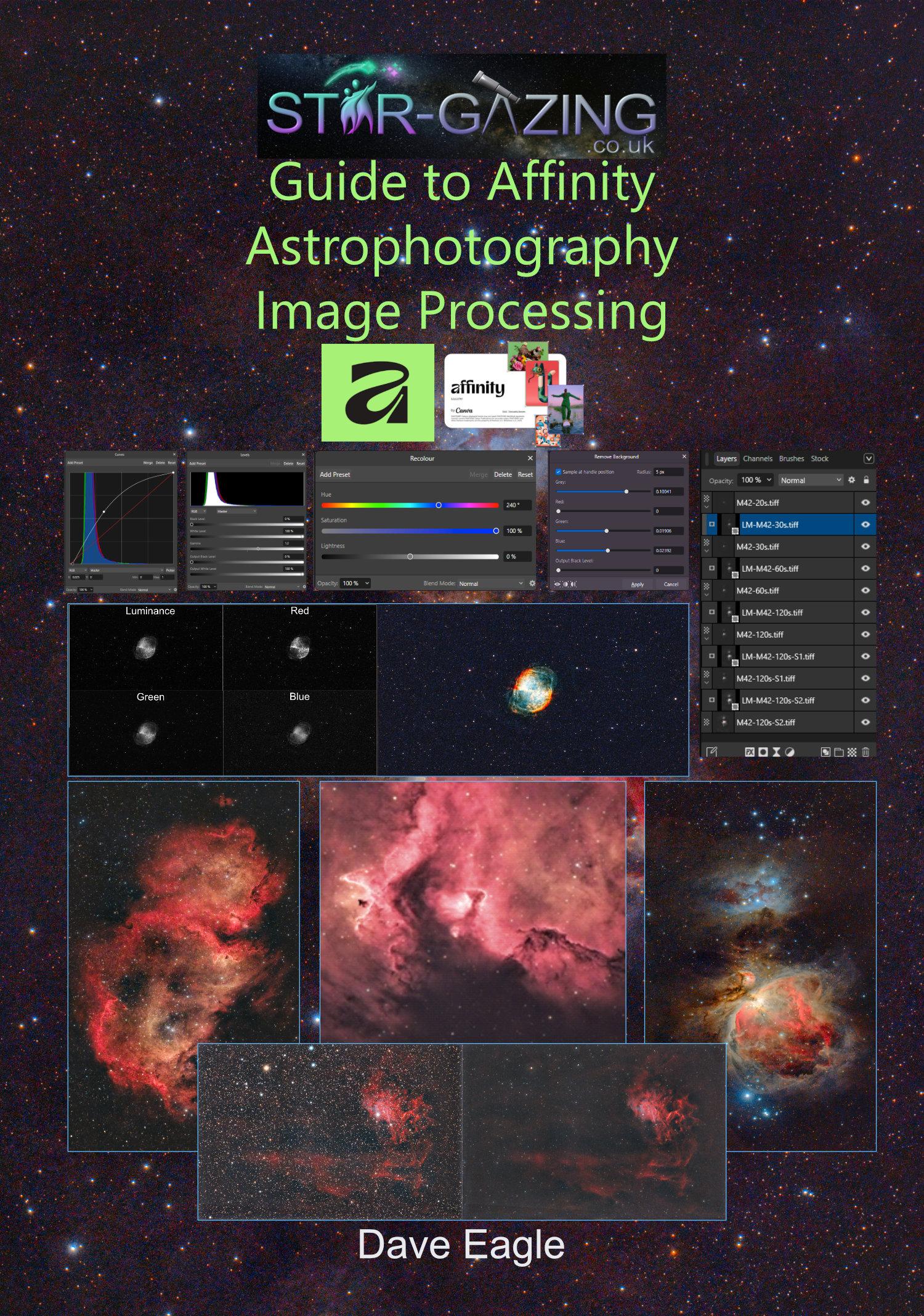
If you are hesitant in switching to Affinity and need a bit of guidance in using it, my Astrophotography Image Processing Guide is available from my secure online store:
www.star-gazing.co.uk/shop
It leads you step by step through suggested workflows.