£17.00
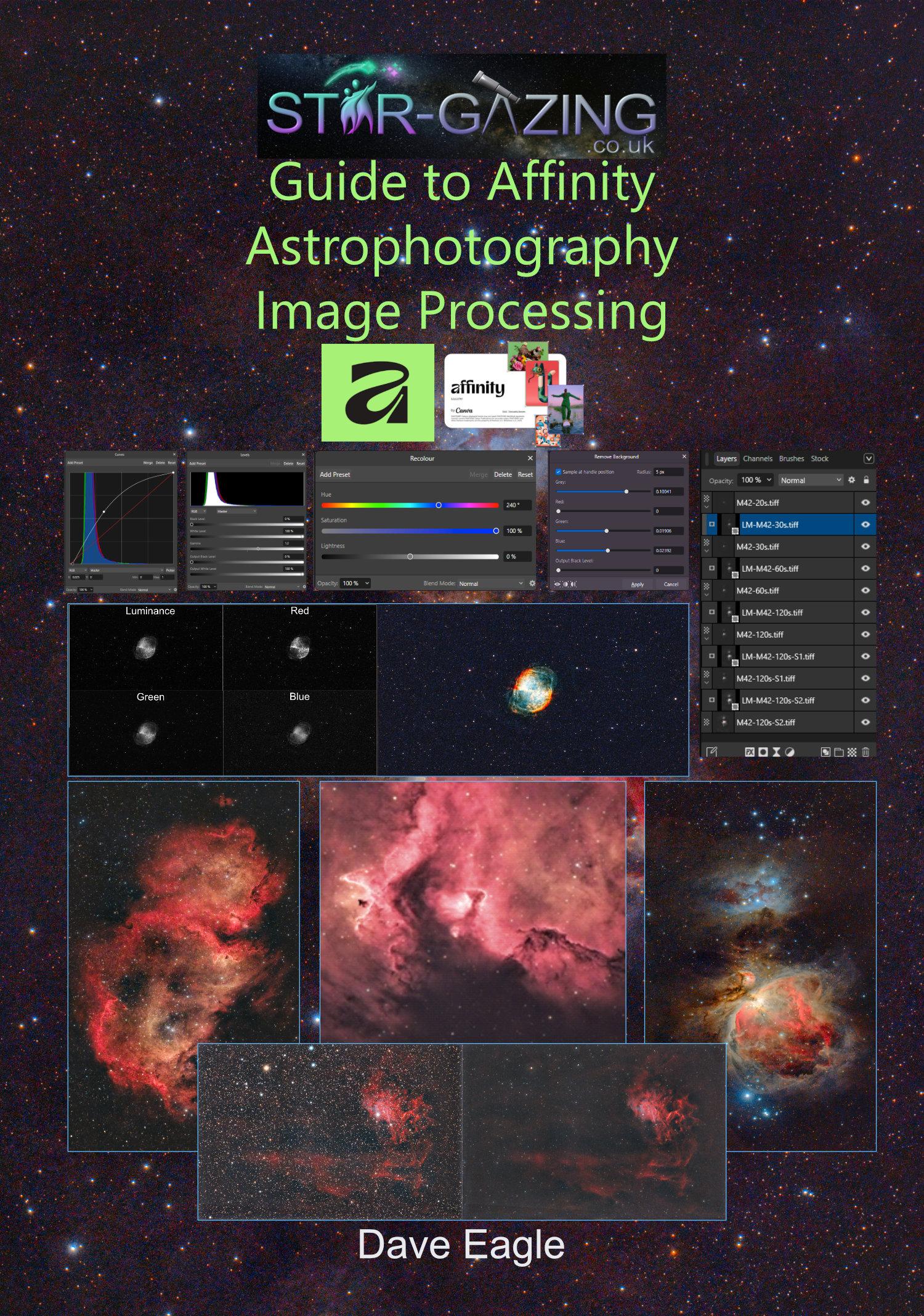
Star-Gazing Guide to Affinity Astrophotography Image Processing.
This latest edition covers Affinity 3.
This 134 page guide takes the reader through several image processing workflows to help get the best out of your astronomy images using Canva’s Affinity software package.
As with previous editions, the images used in this guide can be downloaded for use.
These can then be used for the reader to follow along with the suggested workflows.
Description
Now covering Affinity 3, this 134-page guide walks you through several complete workflows to help you get the best from your astronomy images using Affinity Photo, a genuinely excellent alternative to subscription software.
Written for the Windows version, though the techniques apply just as well on a Mac, with a note that some Photoshop plug-ins may not carry over to Apple systems.
As with all of Dave Eagle’s guides, practice images are included as free downloads so you can follow every workflow yourself rather than just reading about it.
Affinity is a great choice if you’re switching away from Photoshop or PixInsight and want a gentler, more affordable route into serious image processing.
I have not used Affinity on Apple or an iPad, so I cannot comment on how similar these versions work (iPad version promised but not released yet).
Amongst the many techniques covered within this guide are:
Affinity.
Studios.
Toolbars.
Adjustment Tools.
Settings.
Actions, Plugins and Macros.
Imaging Basics.
Stacking Astrophotography Images.
Working with Layers and Adjustment Layers.
Remove Backgrounds & Gradients.
Tone Mapping.
The Curves Tool.
The Levels Adjustment Tool.
Adjusting Brightness and Contrast.
Increasing Colour Saturation.
Live Filter Layer Sharpening.
Converting Image Formats.
Removing Green Bias using HLVG Plugin.
Layer Masking.
Multi-Layer Masking.
RGB and LRGB Images.
The Linear Fit tool.
Creating Hubble Palette Images.
Combining Colour and Monochrome Images.
Aligning Layers by Stars.
Adjusting Colour Balance.
Opening Single Raw and FITS Files.
Separating Colour Channels into Discrete Layers.
Flattening an Image.
Reducing Stars.
Removing Stars.
Handy Hints and Tips.
Saving and Exporting Images.
Testimonial received from very satisfied readers of my latest Affinity guide. 😀
“Having been loaned a Seestar S50 from my local Astronomical Society, I was looking into processing the recorded sub-images to do my own stacking and bring out more detail from the images. I saw the book by Dave Eagle on the FLO website, so I thought I would give it a try, as I had also recently downloaded the free Canva Affinity Suite, which I knew had inbuilt astrophotography processes.
I found Dave’s book very easy to read and follow with worked examples. The images being processed in the examples could be downloaded from Dave’s Star-Gazing website for you to work along with. I found this a very easy way of learning, following the examples and thinking about how you could apply the processes to your own imaging.
When I got the section of the book for processing M42 (Orion Nebula) using layer masking to get an even image without burning out the Trapezium portion of the nebula, I found the M42 zip file with the images for layering was missing from the website. Dave states in the book that he is open to correspondence and gives his email address. I emailed him asking for the missing zip file, and he responded very quickly and corrected the omission. I was very impressed with his quick, friendly response.
I would recommend this book for someone who wants to make a quick start into image processing using Affinity without the steep learning curve of programs like Siril or Pixinsight.”
Andrew G, Bristol