Description
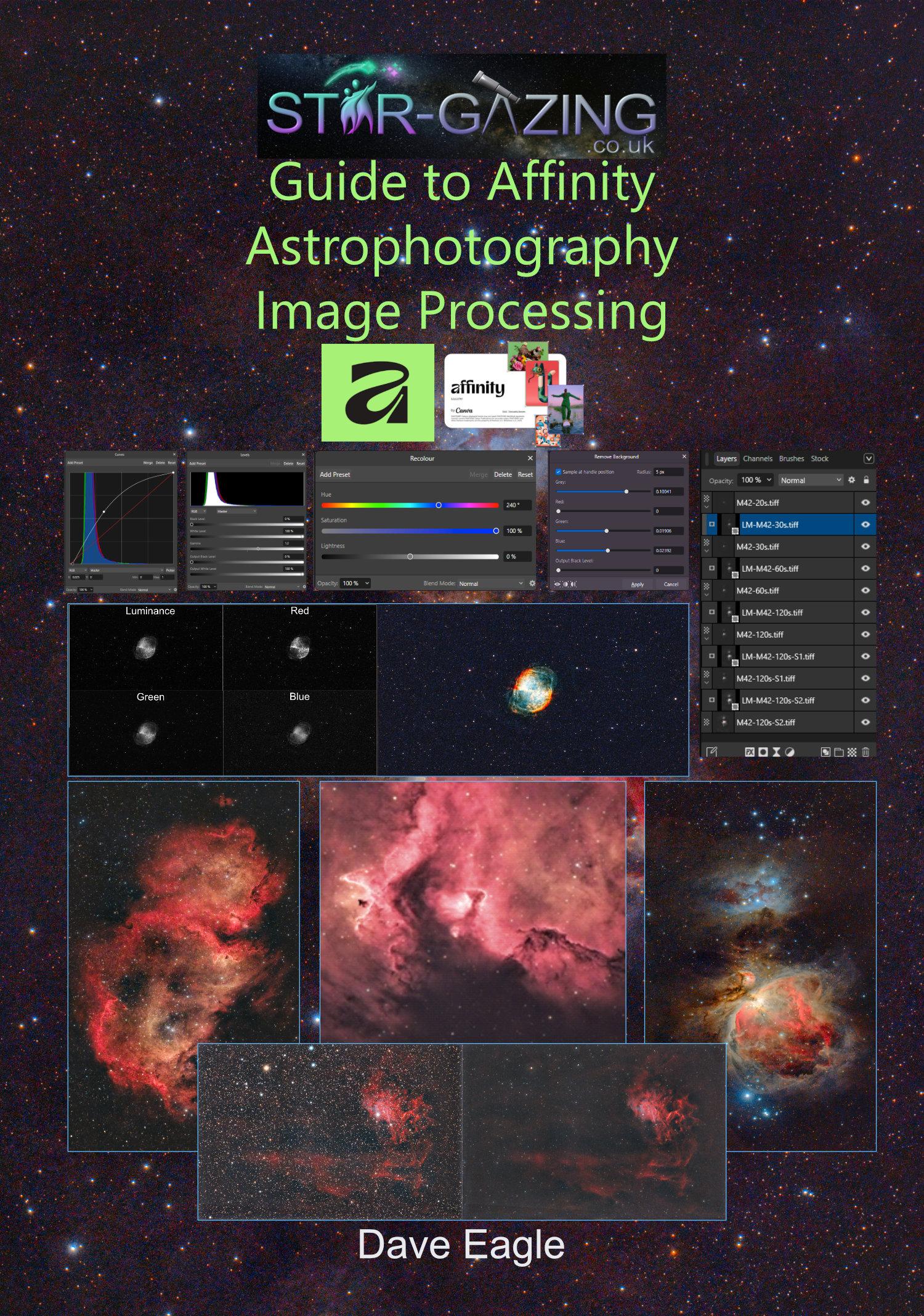
This 134 page guide takes the reader through several image processing workflows to help get the best out of your astronomy images using Canva’s Affinity software package.
This is written for the Windows Version, but the techniques used are essentially the same in the Apple version; however, the menus may differ slightly.
Please note: I have heard from some customers that some Photoshop Plug-ins do not work with the Apple OS.
I have not used Affinity with an iPad, so I cannot comment on how similar that version might work when it’s released.
The images and some of the stacks used in the examples in this guide can be downloaded from my webpage, allowing the reader to follow the workflows.
Amongst the many techniques covered within this guide are:
Affinity.
Studios.
Toolbars.
Adjustment Tools.
Settings.
Actions, Plugins and Macros.
Imaging Basics.
Stacking Astrophotography Images.
Working with Layers and Adjustment Layers.
Remove Backgrounds & Gradients.
Tone Mapping.
The Curves Tool.
The Levels Adjustment Tool.
Adjusting Brightness and Contrast.
Increasing Colour Saturation.
Live Filter Layer Sharpening.
Converting Image Formats.
Removing Green Bias using HLVG Plugin.
Layer Masking.
Multi-Layer Masking.
RGB and LRGB Images.
The Linear Fit tool.
Creating Hubble Palette Images.
Combining Colour and Monochrome Images.
Aligning Layers by Stars.
Adjusting Colour Balance.
Opening Single Raw and FITS Files.
Separating Colour Channels into Discrete Layers.
Flattening an Image.
Reducing Stars.
Removing Stars.
Handy Hints and Tips.
Saving and Exporting Images.
Testimonial received from very satisfied readers of my latest Affinity guide. 😀
“Having been loaned a Seestar S50 from my local Astronomical Society, I was looking into processing the recorded sub-images to do my own stacking and bring out more detail from the images. I saw the book by Dave Eagle on the FLO website, so I thought I would give it a try, as I had also recently downloaded the free Canva Affinity Suite, which I knew had inbuilt astrophotography processes.
I found Dave’s book very easy to read and follow with worked examples. The images being processed in the examples could be downloaded from Dave’s Star-Gazing website for you to work along with. I found this a very easy way of learning, following the examples and thinking about how you could apply the processes to your own imaging.
When I got the section of the book for processing M42 (Orion Nebula) using layer masking to get an even image without burning out the Trapezium portion of the nebula, I found the M42 zip file with the images for layering was missing from the website. Dave states in the book that he is open to correspondence and gives his email address. I emailed him asking for the missing zip file, and he responded very quickly and corrected the omission. I was very impressed with his quick, friendly response.
I would recommend this book for someone who wants to make a quick start into image processing using Affinity without the steep learning curve of programs like Siril or Pixinsight.”
Andrew G, Bristol